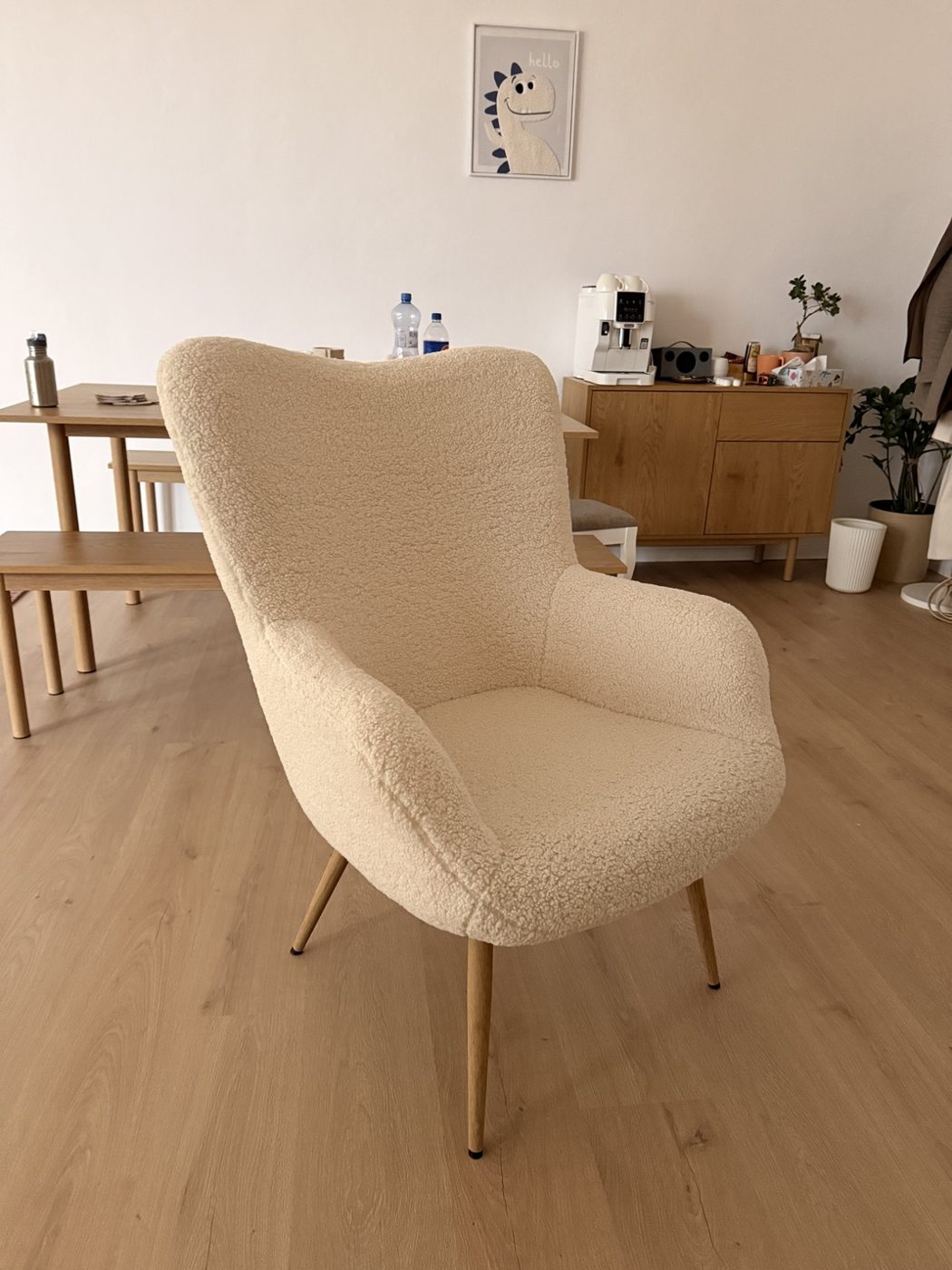
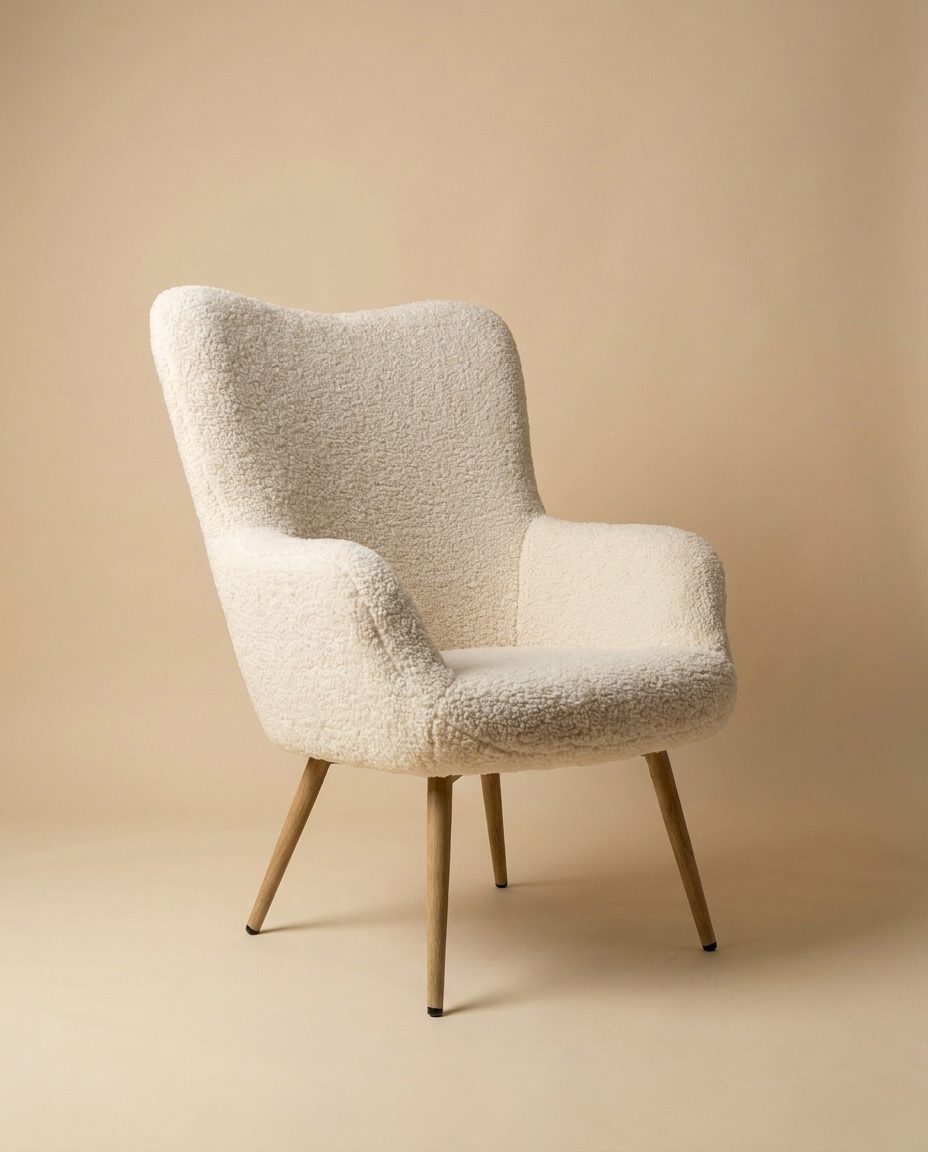
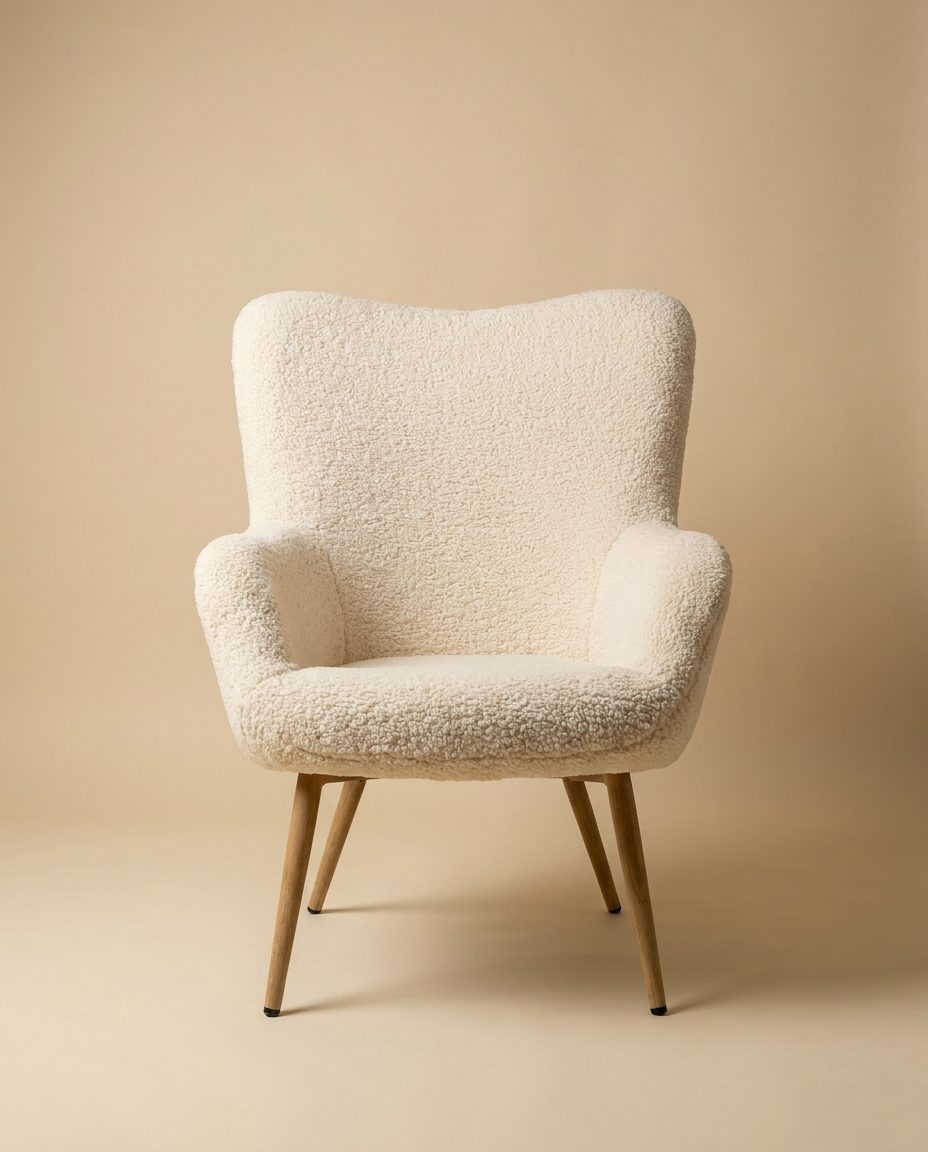
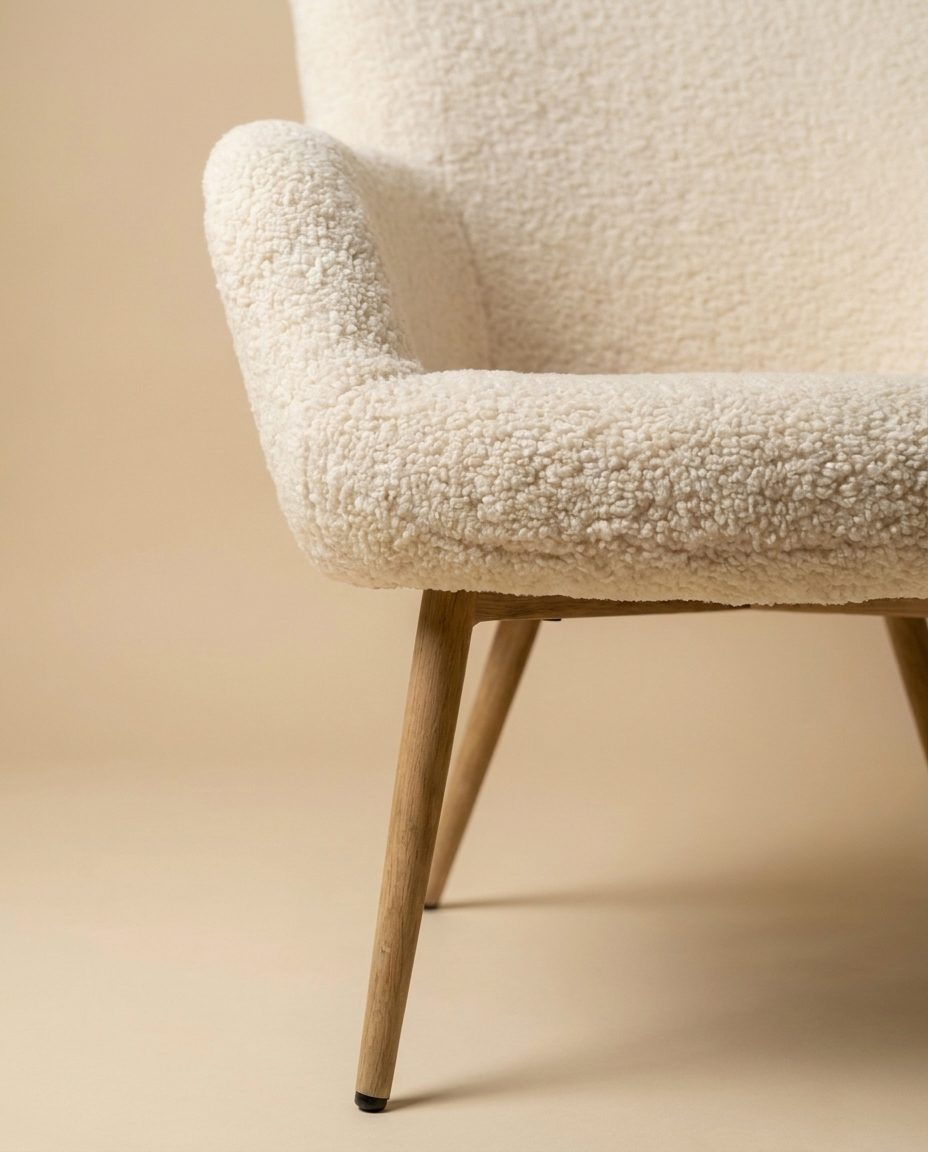
Boucle armchair, from five phone photos
A shot pack of front, three-quarter and detail views. The boucle texture, the seams and the legs carry over from the photos.
No prompts. No photoshoot.
OZERA turns a few phone photos, or technical drawings, into studio and lifestyle shots. Shape, proportions and materials stay true to your product.
For furniture makers, workshops and independent designers. No 3D model, no photo shoot.
Every result is shown next to what we started from. Judge the shape, the seams and the material yourself.
A shot pack of front, three-quarter and detail views. The boucle texture, the seams and the legs carry over from the photos.
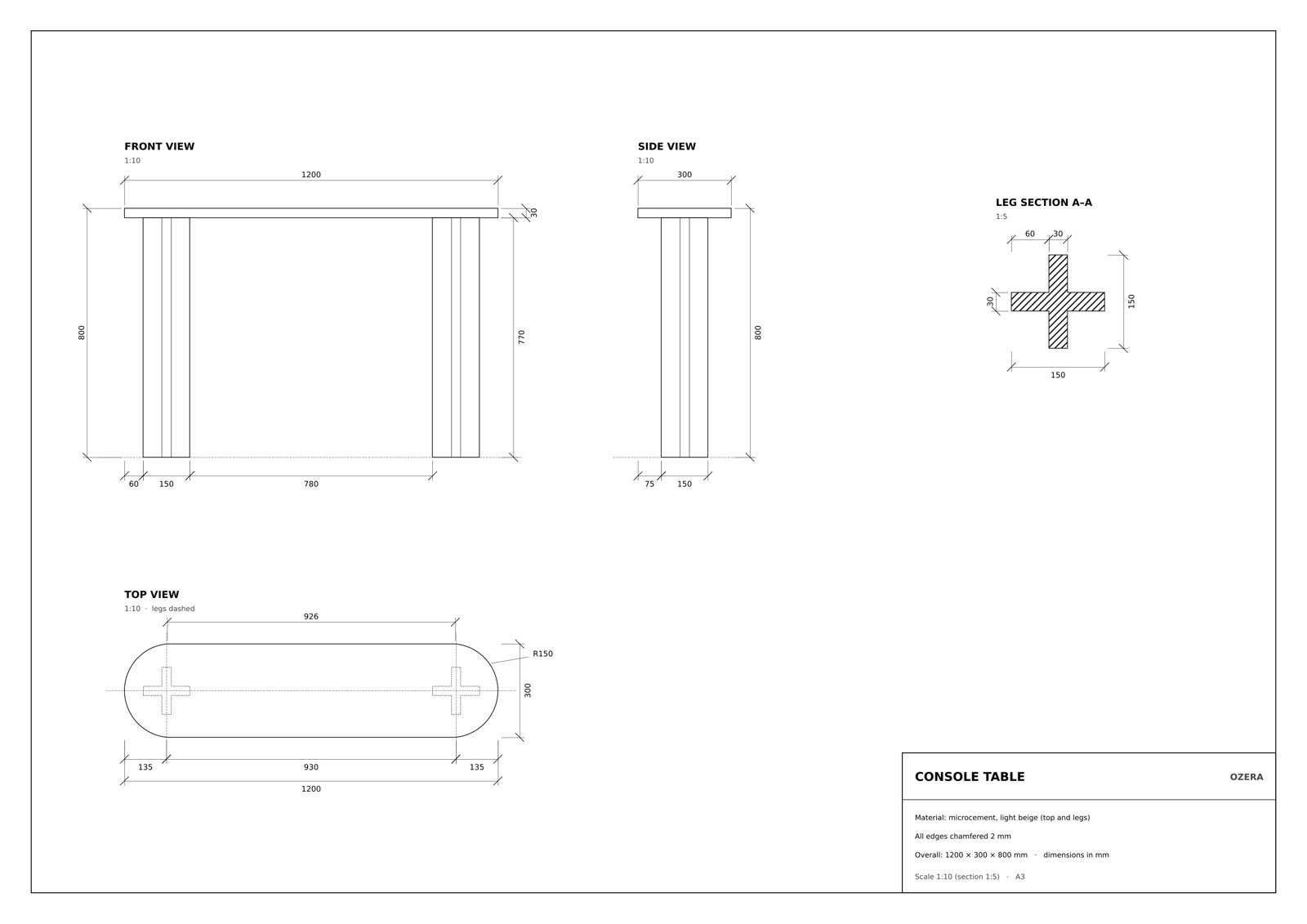
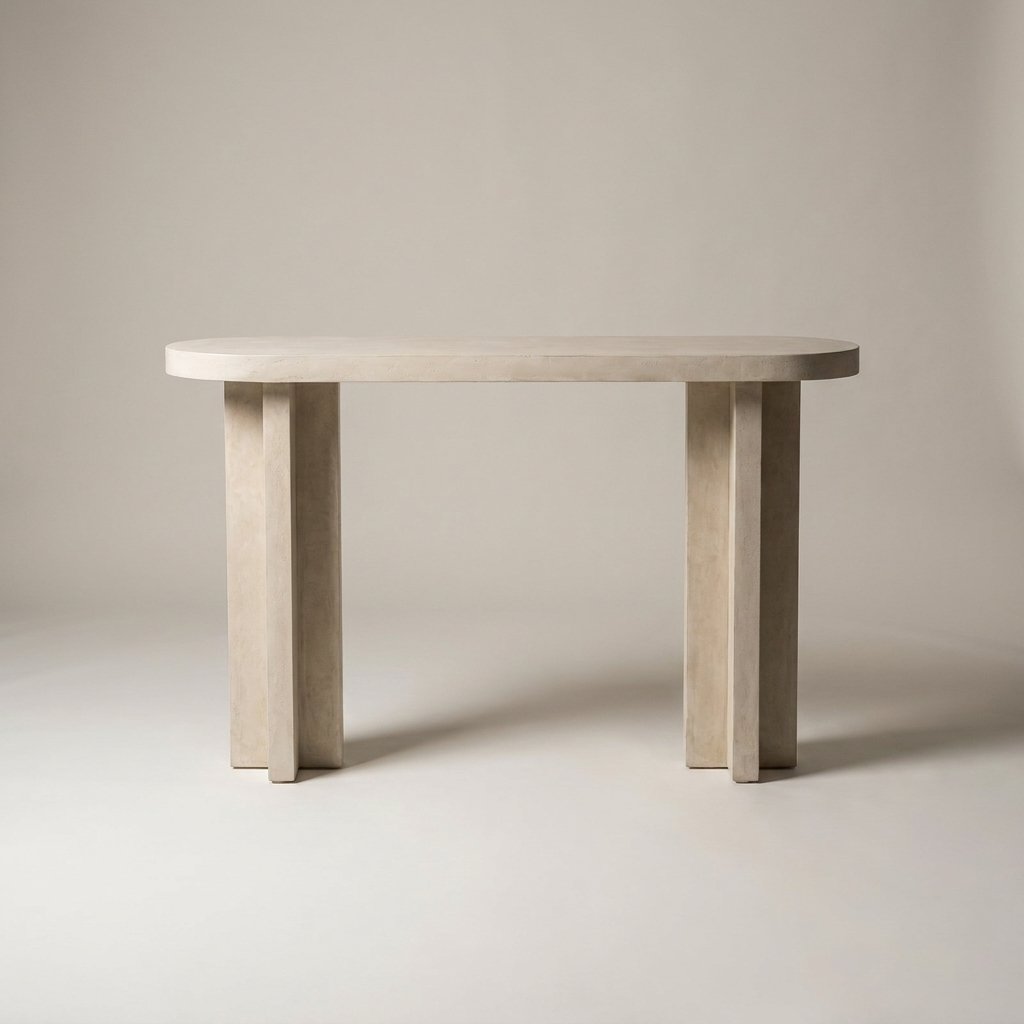
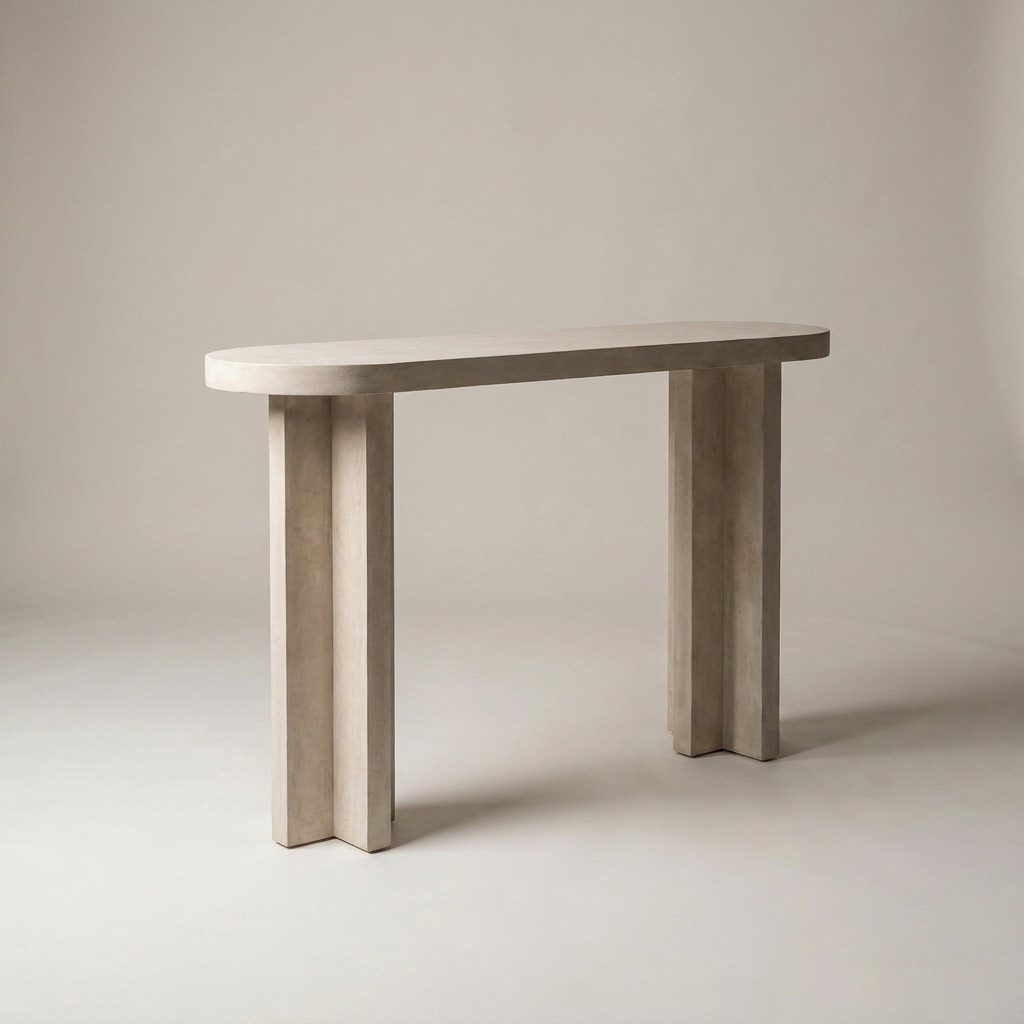
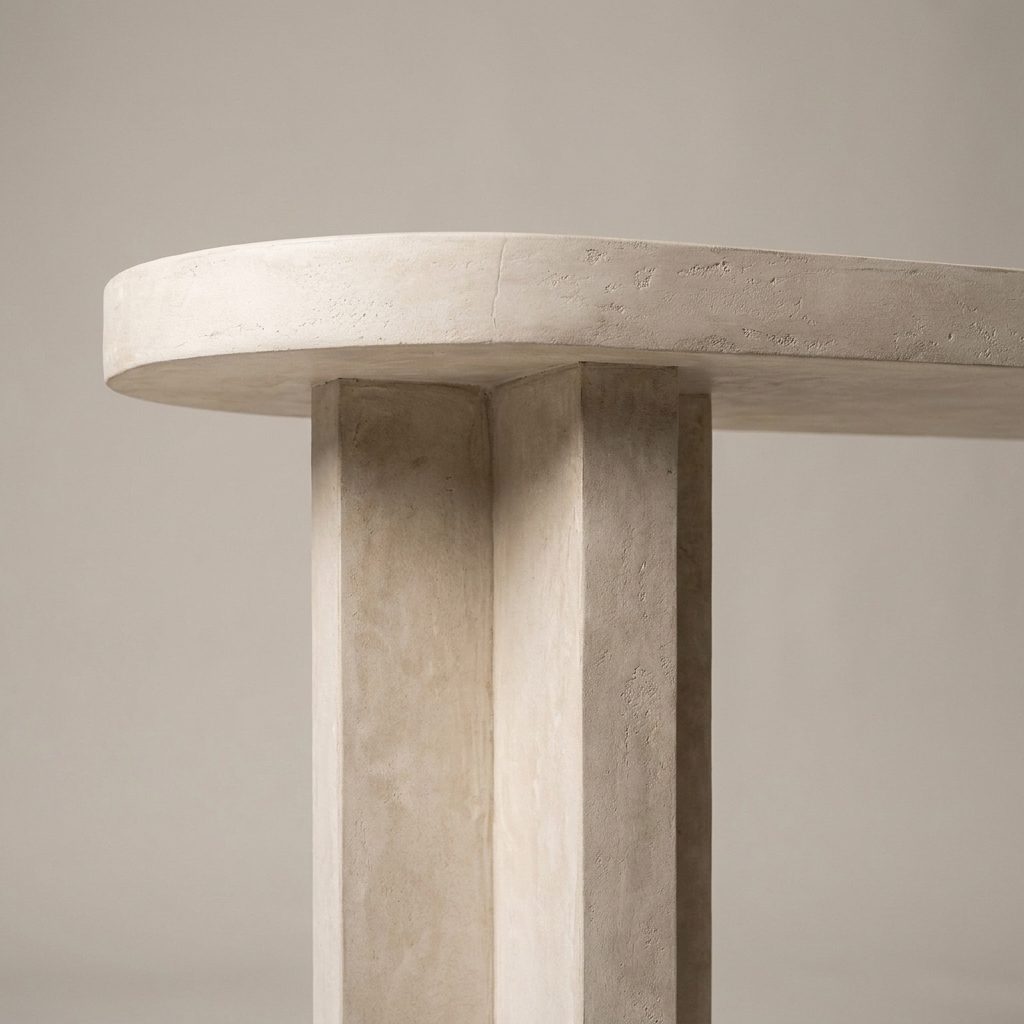
No photo existed. Three views with dimensions gave the cross-shaped legs, the rounded top and the light beige microcement.
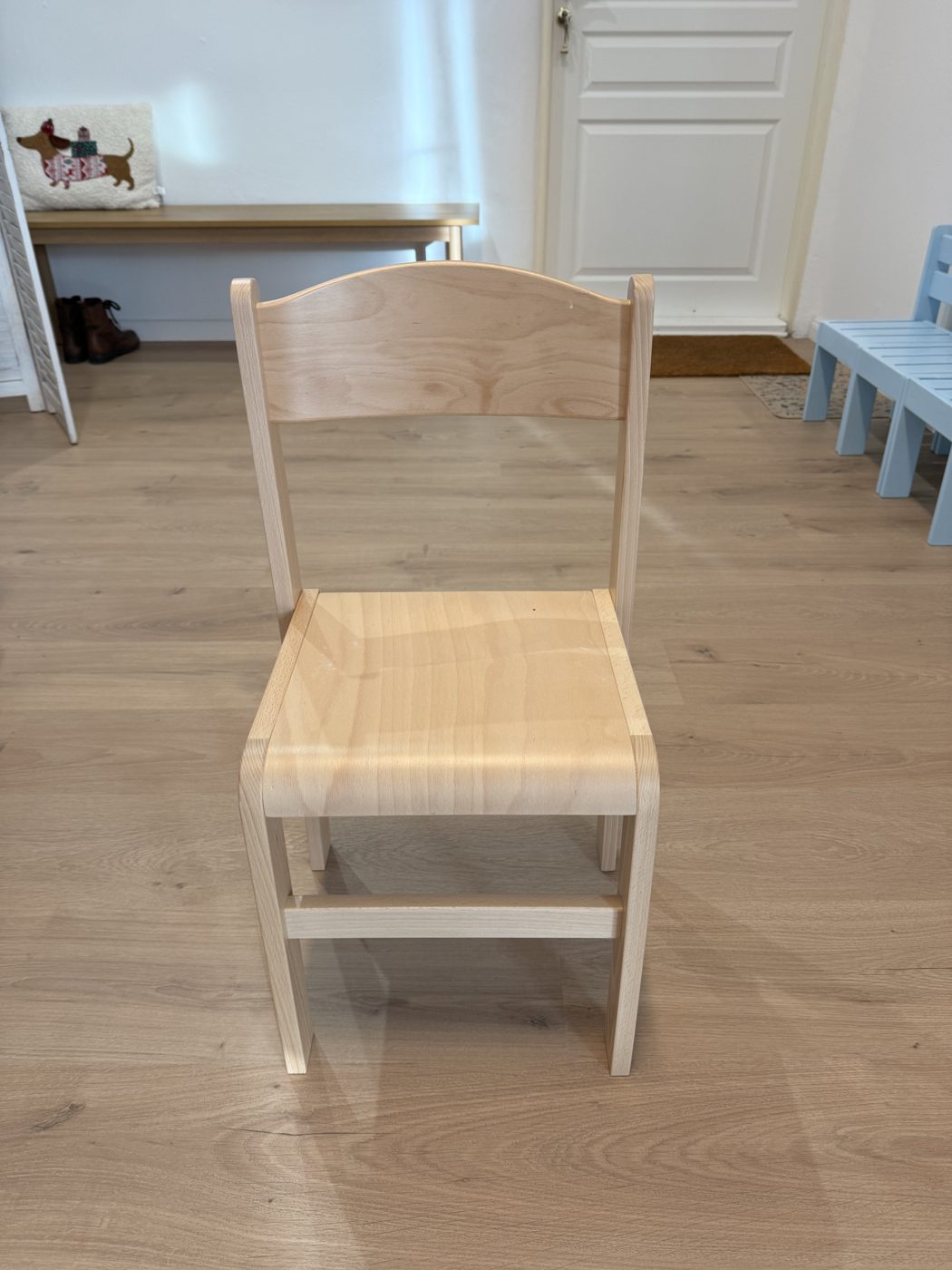
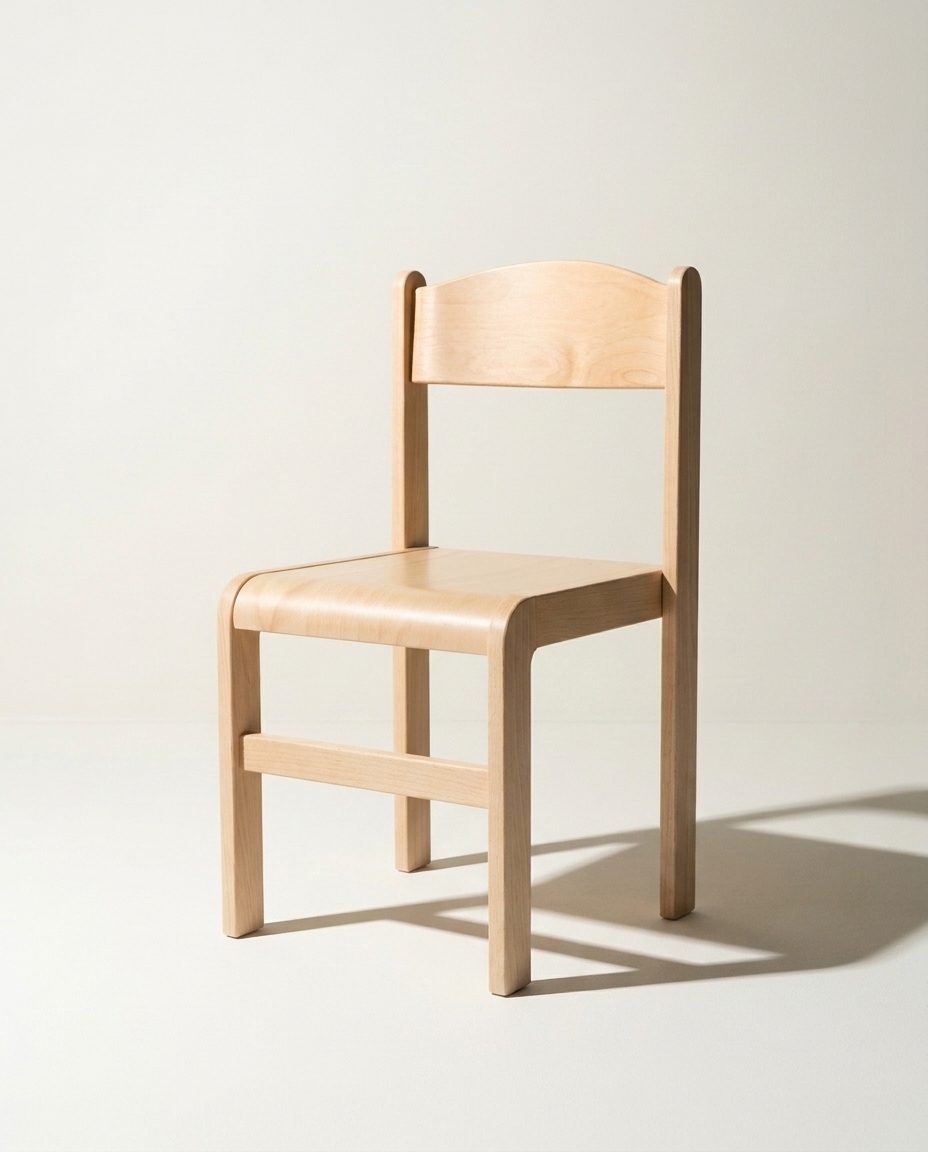
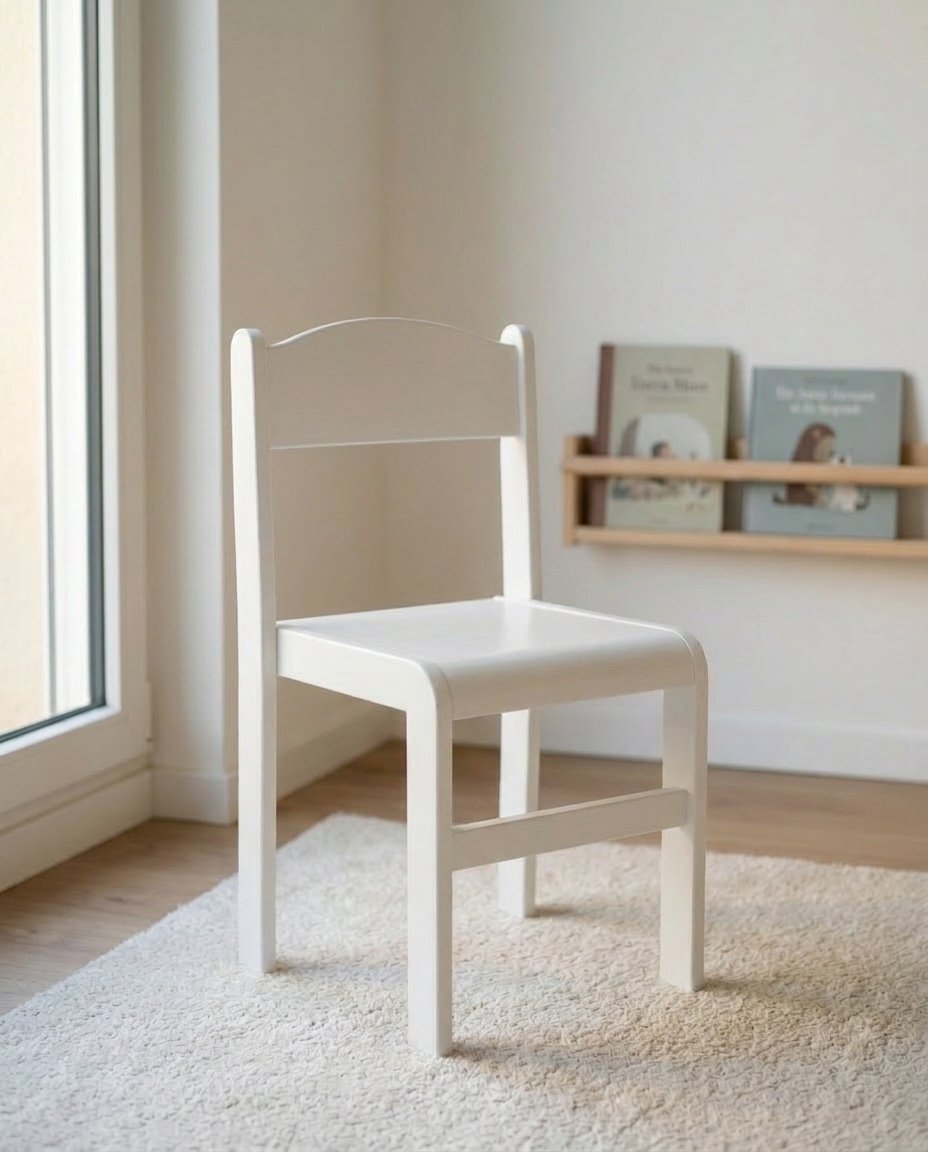
A local maker's chair: studio shots on a seamless backdrop, then a white version placed in a children's room.
Most AI image tools ask you to write prompts and describe light in words. OZERA works like a real set: light, camera angle, backdrop and material are picked visually, from presets built on 12 years of furniture imagery. You never type a prompt.
You send the product. We handle light, angle and setting, and check every image against your input.
Three to five clear phone photos from different sides are enough. For products not made yet, send front, side and top views with dimensions and a material sample.
Studio on a seamless backdrop or a lifestyle room. Pick a material swatch to show other finishes.
Consistent angles for your shop, catalogue and social media. Each image is checked for shape, proportions and material before it reaches you.
Or write to peter@ozera.studio with a few photos of your product.
Built by Peter Janov, architect, 12 years in furniture visualisation.
No. You send photos or drawings and tell us what you need. Everything else is chosen visually on our side, like on a photo set.
No. A few clear phone photos from different sides are enough. For a product that exists only on paper, technical drawings with dimensions work.
That is the main risk of AI images, so every result is checked against your input for shape, proportions, seams and material. If something is off, we fix it before delivery.
Yes. Send a photo of the fabric, wood or finish and we apply it to the part you choose.
On your website, e-shop, catalogue and social media.
We agree the delivery date with you before we start.